
🔥 Top Pokies at Pacific Spins Casino














Pacific Spins Casino Mobile: Play Anytime, No App Store Needed
Pacific Spins Casino gives Canadian players fast access to their accounts through a mobile web app. Sign in from your phone, review your balance, browse more than 3800 games, and manage real-money play without installing software from an app store. The PWA delivers an app-like experience while remaining accessible through your browser.
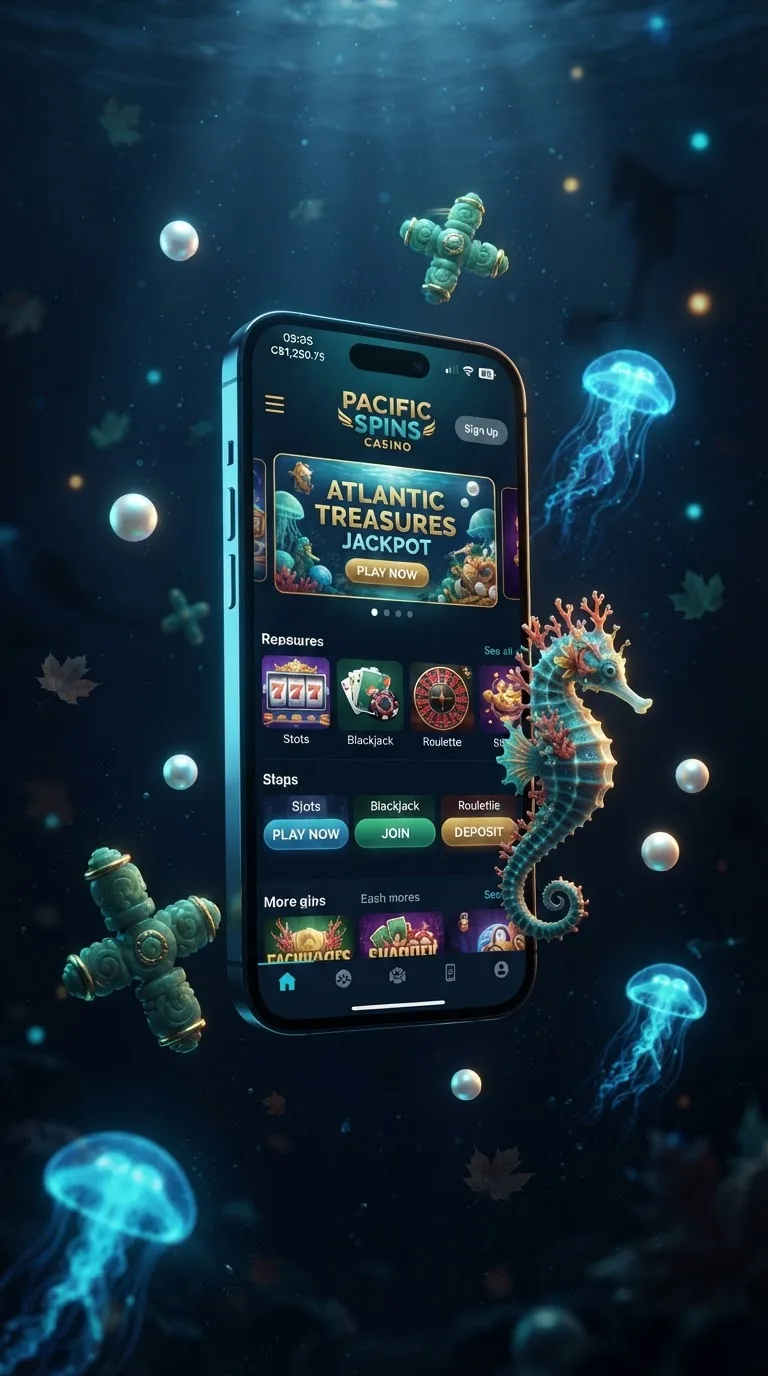
Your account stays one tap away after you add the shortcut to your home screen. On supported phones, biometric login can shorten access while your device handles the identity check. The mobile layout keeps account tools, game search, payments, and live chat within reach.
Installation remains simple for Canadian users. There is no app store download, and the PWA uses your browser rather than taking up the space of a large native application. Players on Rogers, Bell, and Telus networks can open the service wherever their mobile connection is reliable.
This Operator Adjusts to Save Power
Pacific Spins Casino reduces visual detail in menus when your phone needs to conserve battery. Games remain easy to browse, while lower menu graphics reduce unnecessary loading during longer sessions. The touch layout keeps buttons large enough for one-handed use.
The interface responds quickly to taps on supported devices. Actual response can vary with your phone, browser, and connection, but the design keeps common actions close to the thumb. Opening search, changing a filter, or returning to your account takes a single touch.
Our gaming site adjusts the display without changing your account settings. A player using 5G may see richer images, while someone on a slower connection can use lighter menus. The result is a practical mobile session that uses less battery during navigation.
Touch Controls That Stay Clear
The Pacific Spins Casino casino places main navigation along the lower part of the screen. This makes it easier to switch between the lobby, account area, cashier, and live chat without stretching across the display. Touch targets remain separated to reduce accidental selections.
Players can open a game, return to the lobby, and search for another title without closing the PWA. The browser keeps the session available when the phone briefly changes orientation. Your selected filters can also remain in place during ordinary browsing.
Fast touch response applies to supported devices and does not replace the time needed for a game or payment request to load. Network conditions still affect content delivery. The interface itself is designed to acknowledge each tap quickly.
| Connection | Display quality | Typical browsing experience |
|---|---|---|
| 3G | Lighter menu graphics | Slower loading, suitable for basic browsing |
| 4G | Standard menu graphics | Smooth browsing for most games |
| 5G | Full menu graphics | Fast loading across the lobby |
| Wi-Fi | Full menu graphics | Fast and stable browsing |
| Public Wi-Fi | Standard menu graphics | Variable speed depending on network load |
| Mobile hotspot | Standard menu graphics | Generally reliable for account tasks |
- Lower menu graphics help reduce battery use during browsing.
- Touch controls keep search and account tools within easy reach.
- Display settings adapt to common Canadian connections.
Find Games Fast on This Platform
The site puts search and filters at the centre of the mobile lobby. Players can look for a title by name, choose a category, or narrow the display by game type. More than 3800 games from over 45 providers are available across the wider library.
The filter panel is built for a touchscreen rather than a desktop cursor. A single tap can show slots, table games, or live dealer titles. Our platform keeps the results readable on smaller screens, including older phones with compact displays.
Players can also switch to demo mode with one tap where a title supports free play. Demo mode lets you try a game without placing a real-money wager. Return to real-money play through the same game menu when you are ready.
Search by the Way You Play
The operator lets you begin with a title, a category, or a recent selection. This suits players who know the game they want and those who prefer to browse. Search results load in a compact grid, so fewer swipes are needed between choices.
For example, a player looking for a live table game can select the relevant category instead of scrolling through the complete library. Another player can type a familiar title into the search field and open its details directly. These routes reduce time spent moving through unrelated games.
Demo mode is useful for checking controls before real-money play. It shows how the reels, menus, or table controls work without using funds. Game availability and demo access can vary by title and region.
- Search by title, category, or recent game.
- Use one tap to switch between available play modes.
- Browse the mobile lobby without downloading a large file.
Install Pacific Spins Casino From Our Site
The PWA installs through your browser. On iPhone, open the page in Safari, select the share button, and choose "Add to Home Screen." On Android, open the page in Chrome, select the three-dot menu, and choose the install or "Add to Home screen" option shown by your device.
There is no app store download. This operator works like an app after the shortcut is added, while updates arrive through the browser connection. The PWA uses far less storage than a large native application because the main content loads online.
Android users may see a browser permission prompt before adding the shortcut. Accept only the installation prompt shown by the page, then open the new home-screen icon. If the option does not appear, update Chrome and reload the page.
Install in a Few Steps
On an iPhone, open Safari and sign in before adding the shortcut. Tap the share icon, select "Add to Home Screen," edit the name if needed, and confirm. The icon then appears with your other applications.
On Android, open Chrome and load the mobile page. Tap the menu button, select the install option, and approve the shortcut when Chrome displays it. The PWA can then open from the home screen without typing the address again.
A failed installation usually comes from an outdated browser, a full home screen, or a temporary connection issue. Close extra browser tabs, update the browser, and repeat the steps on a stable connection. The PWA itself requires little storage because it is not a full native download.
| Province | Available in app store? | Install method |
|---|---|---|
| Ontario | No native store download | Open the mobile page and add it to the home screen |
| British Columbia | No native store download | Chrome web install through the browser |
| Alberta | No native store download | Safari web shortcut on supported iOS versions |
| Quebec | No native store download | Browser installation using Wi-Fi or mobile data |
| Nova Scotia | No native store download | Android Chrome shortcut added to the home screen |
| Manitoba | No native store download | Safari or Chrome web install, same steps as other provinces |
Why We Skip the Pacific Spins Casino app Store
Pacific Spins Casino does not ask Canadian players to download a native application from an app store. The PWA avoids unofficial APK files and keeps installation within Safari or Chrome. This gives you a clear route back to the mobile page whenever you need it.
The operator monitors unusual mobile behaviour patterns through account activity checks. A login from a new device, repeated failed access attempts, or an unusual session pattern may prompt an additional verification step. These checks help separate ordinary use from activity that needs attention.
Keep your phone software updated and use the current browser version. Do not install files shared through messages or third-party download pages. The official PWA begins from the mobile page and does not require an APK.
Keep Access Under Your Control
Biometric login can make returning to the site quicker when your phone supports Face ID, Touch ID, or fingerprint access. Your device controls the biometric check, so the feature follows the security settings already used on your phone. You can use your normal login method if biometrics are unavailable.
If the device is shared, sign out after playing and avoid saving credentials in a public browser. Check the page address before entering account details. These simple habits reduce the chance of opening a copied page.
Support is available through 24/7 live chat when a login or installation question needs attention. Our team can guide you through browser access without asking you to install an unverified file.
Ready to Play on Pacific Spins Casino?
Our gaming site is ready from your phone without an app store download. Open the mobile page, sign in, and add the shortcut to your home screen for quick access. The PWA works like an app while using only a small amount of stored data.
Head to the sign-in page for account access, or get started through sign-up. Players who want to review current account offers can visit our bonuses page for the applicable terms.
The route is simple: open the page, verify your account when requested, and choose a game from the mobile lobby. Live chat remains available 24/7 if you need help with the PWA or your account.
FAQ
How do I check my connection speed to Pacific Spins Casino?
Open a browser speed test in another tab, then return to the site and reload the mobile page. A stable 4G, 5G, or Wi-Fi connection is suitable for ordinary browsing, while weak 3G may create longer loading times. Rogers, Bell, and Telus customers can switch between mobile data and Wi-Fi if a session slows down.
How can I contact support through the app?
Open the account menu in the PWA and select live chat. Support is available 24/7, including help with login access, installation, and browser settings. Keep your account details ready, but never share your password in chat.
Can I send screenshots to support through the app?
Yes, live chat can accept screenshots when the chat window shows an upload option. A screenshot can help explain an installation prompt or an error message. Hide passwords, payment details, and other private information before sending the image.
How can I recognise a fake casino app?
Pacific Spins Casino uses a PWA opened through your browser, not an APK file shared through a third-party page. Avoid files sent by unknown accounts, pages requesting unusual permissions, or downloads that imitate the brand name. Open the mobile page directly and use "Add to Home Screen" in Safari or Chrome.
What is Quick Deposit in the app?
Quick Deposit opens the cashier from the mobile account area so you can choose an available payment method without leaving the PWA. The operator supports Interac, Visa, Mastercard, Skrill, Neteller, PaySafeCard, bank transfer, and Bitcoin. Review the amount and method before confirming a real-money deposit.
Does Pacific Spins Casino offer mobile VR games?
The Pacific Spins Casino platform is built for standard mobile browsers and touchscreen devices. Mobile VR support is not part of the PWA experience, so a phone-based headset should not be treated as a required feature. You can browse the mobile library through Safari or Chrome.
How do I install the PWA?
On iPhone, open the page in Safari, tap the share button, and choose "Add to Home Screen." On Android, open Chrome, tap the three-dot menu, and select the install or home-screen option. No app store download is required, and the PWA uses only a small amount of storage.
Does the app work on tablets?
Yes, the PWA works on supported iPad and Android tablet browsers. Open the page in Safari or Chrome and use the same home-screen installation steps. The layout adapts to the larger display while keeping search, account tools, and live chat available.